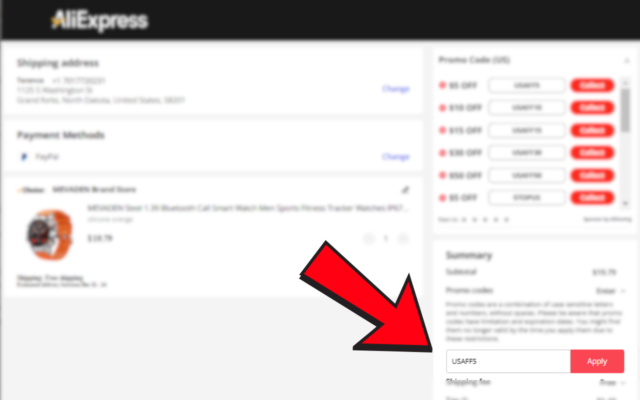
How to apply AliExpress promotion codes using Alisaving Extension
1. Install the Extension
Visit the Chrome Web Store and search for AliSaving – AliExpress Shopping Assistant. Click Add to Chrome to install it.
2. Access the AliExpress Checkout Page
Once the extension is successfully installed, navigate to the AliExpress checkout page. On the checkout page, you’ll notice a promo code box conveniently located in the top-right corner.
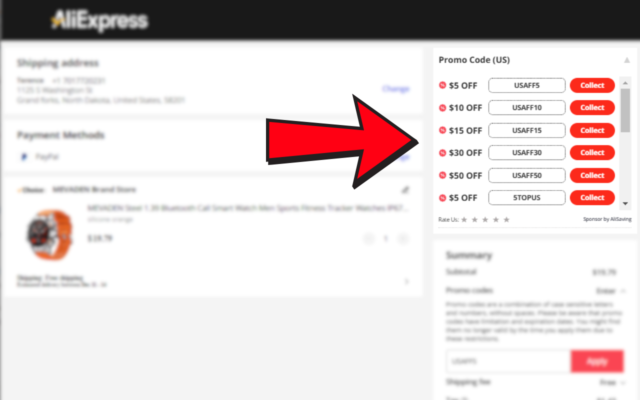
3. Collect and Apply Promo Codes
Click the Collect button within the promo code box. The extension will automatically fill in the code for you.